4.3.1Jan 19, 2020 (Latest Version) |
- Fixed the "Lightroom preferences file was not found" error in Lightroom 6 and 7.
- macOS: The isntaller disk image is now properly signed and notarized for Catalina.
|
|---|
4.3.0Nov 20, 2019 |
- Lightroom 9 compatibility.
|
|---|
4.1.0Oct 23, 2017 |
- Lightroom 7 support.
- Fixed the issue with displaying Unicode characters in Excel when using the CSV format.
|
|---|
4.0.2May 25, 2017 |
- Export: Fixed the issue with generating output files when using the "Save to Export Folder" option for output handling.
- The "Filenames Only" preset now generates works correctly.
|
|---|
4.0.1Feb 20, 2017 |
- HTML Templates: fixed column alignment for Photo Index and Rating fields in itemized templates.
- Fixed the "You have not specified some of the Export List Plug-in options" error when exporting photos via "Export with Previous".
- Fixed localization of preset descriptions.
|
|---|
4.0.0Feb 14, 2017 |
- Fixed output grouping by non-metadata fields, such as FileType, ParentPath, CroppedWidth, CroppedHeight, etc.
- Fixed output grouping by rating when one of the photos is unrated or has a zero star rating.
- Now photo ratings are displayed using star symbols instead of a number.
- Excel Worksheet - fixed the issue with corrupting the output file when there are more than 26 columns.
- Redesigned the structure of HTML themes to provide a better customizability.
- HTML Tabular, Grouped - fixed column spanning of the group heading row.
|
|---|
3.9.1Feb 9, 2017 |
- Improved German translations - added translations for template titles and descriptions.
|
|---|
3.9.0Feb 5, 2017 |
- Added German translations. Many thanks to Wernfried Domscheit and Joerg Knoerchen who contributed to this translation!
- Metadata presets: added a preset for the Big Note (by John Beardsworth) plugin's metadata.
- Fixed the error when processing photos that are not available, e.g. located on a disconnected external drive.
- Other minior fixes.
|
|---|
3.8.1May 19, 2016 |
- Installer: fixed digital signature validation errors.
- AutoUpdate - fixed a bug preventing the installation of plugin updates in some cases.
|
|---|
3.8.0Feb 12, 2016 |
- Implemented the ability to display plugin-specific metadata.
- Added a metadata set with Print Size Calculator fields (see http://alloyphoto.com/plugins/print-size-calculator/).
- File Information fieldset: implemented new fields - Publish Service Name, Published Collection Name, Contained Collections, and Contained Published Collections.
- Fieldset Editor: improved the layout and usability.
- Text templates: implemented automatic padding/justification of field titles for better readability.
|
|---|
3.7.0Sep 30, 2015 |
- Re-designed the automatic update mechanism.
- Export Dialog: Added the option to save the output file to the export folder, as specified in the Export Location section.
- Export Dialog: Fixed the issue with generating reports when exporting videos in the original format.
|
|---|
3.6.0Aug 9, 2015 |
- Mac OS: Fixed "Show User Presets Folder" and "Show Plugin Presets Folder" buttons.
- Added the ability to customize titles for HTML page outputs.
|
|---|
3.5.1Jun 19, 2015 |
- Fixed the "bad argument #3 to '?' (number expected, got string)" error after entering the thumbnail size by hand.
|
|---|
3.5.0May 30, 2015 |
- HTML and Excel 2003: implemented thumbnails for video files (Lightroom 5 and above).
- HTML and Excel 2003: Now the plugin can generate thumbnails even when original files are offline (Lightroom 5 and above).
- HTML and Excel 2003: Fixed the "bad argument #1 to '?' (string expected, got no value)" error when rendering thumbnails for photos that are offline.
|
|---|
3.4.1May 7, 2015 |
- Fixed the error when adding a custom fieldset.
- Now available fields in the fieldset editor are sorted alphabetically.
|
|---|
3.4.0Apr 30, 2015 |
- HTML format: now custom checkbox columns can be included in all HTML reports.
- Excel 2003 and all HTML templates: now you can easily customize the size of thumbnail images.
- New JSON template.
Excel 2003:
- Improved thumbnail placement in order to optimize row space.
- The top row with column headings is now frozen.
- The print area now sets automatically.
- Default print page orientation changed to Landscape.
|
|---|
3.3.0Nov 30, 2014 |
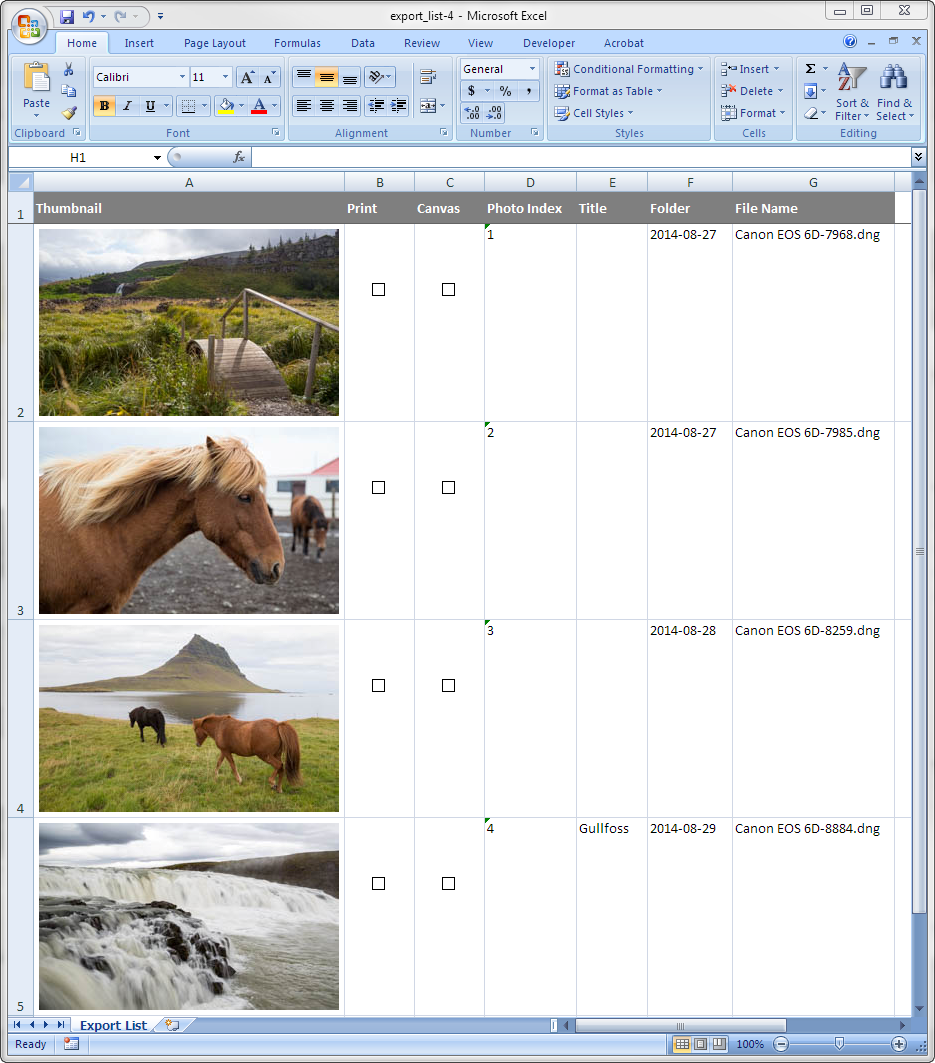
- Excel 2003 template - now you can customize up to 4 checkbox columns for various selection options.
- Output Profile - improved the layout.
- Location presets: added the "country name" field.
- Other minor improvements and bug fixes.
|
|---|
3.2.3Jun 11, 2014 |
- Fixed the issue with generating Excel 2003 Worksheet format under Mac OS.
|
|---|
3.2.2Jun 3, 2014 |
- By customer request, added new fields: baseName, exportBaseName - same as fileName and exportFileName, but without the extension. To include in your fieldset, go Fieldset Editor - Available Fields, and select the File Information metadata set.
|
|---|
3.2.1Apr 24, 2014 |
- By a customer request, added new fields: isCropped, aspectRatio, croppedWidth, croppedHeight, originalWidth, originalHeight, fileType, fileSizeBytes. To include in your fieldset, go Fieldset Editor - Available Fields, and select the File Information metadata set.
|
|---|
3.2.0Apr 23, 2014 |
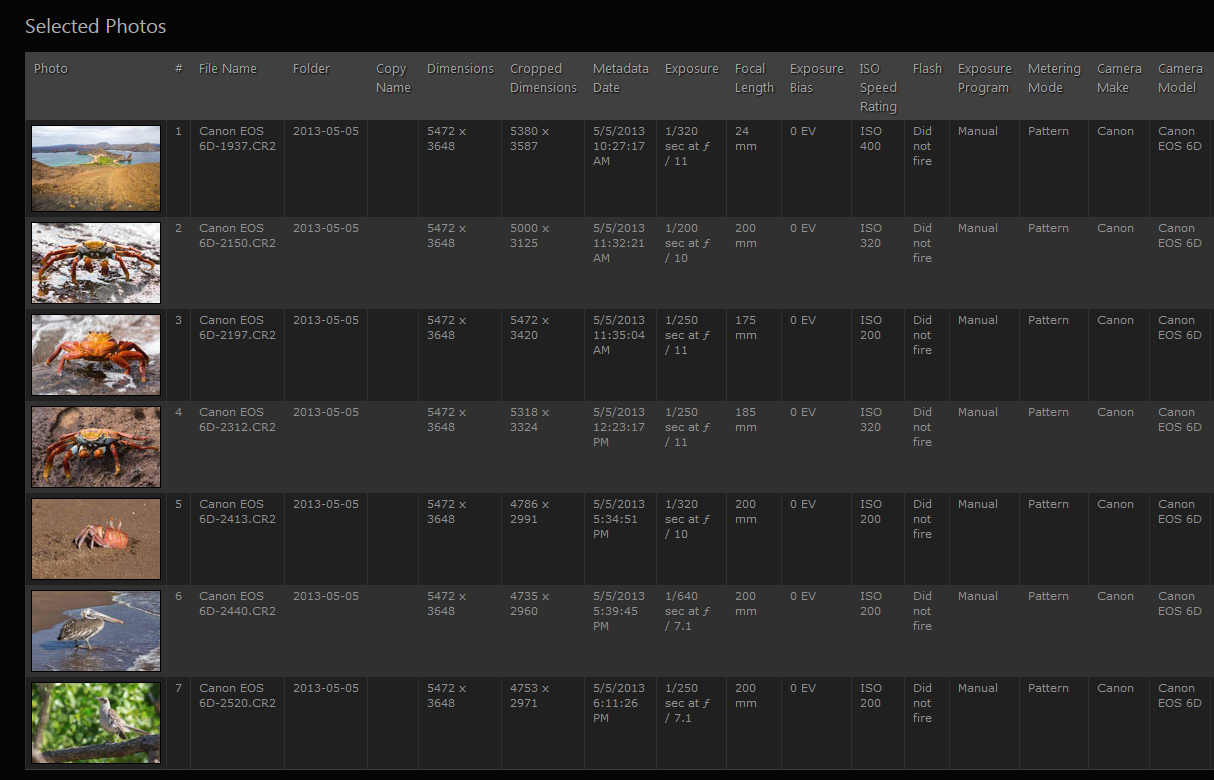
- New "Excel 2003 Worksheet" template with support for embedded thumbnail images.
- Other minor improvements.
|
|---|
3.1.3Mar 10, 2014 |
- Fixed: Lightroom 2 compatibility issues.
- Fixed: unable to access the Fieldset Editor.
- Other minor improvements.
|
|---|
3.1.2Feb 4, 2014 |
- Added application presets for revealing the report file in Exporer (Windows) and Finder (Mac OS).
- Fixed the issue with applying plugin updates.
- Other improvements and bug fixes.
|
|---|
3.1.1Nov 24, 2013 |
- Fixed an invalid field reference in the "Simple" fieldset causing errors when running the report.
- Fixed the "bad argument #1 to 'find'" error when rendering reports.
- Other minor improvements and bug fixes.
|
|---|
3.1.0Oct 13, 2013 |
- The new "File Information" metadata set provides special fields with various path and folder information.
- Added field folderPath containing the Lightroom hierarchy path of the folder containing the photo.
- Added field parentPath system path of the directory where the photo lives.
- Other minor improvements and bug fixes.
|
|---|
3.0.2Oct 1, 2013 |
- Now the "Customize Fieldsets" option is available in the Export dialog.
- Fixed an error when running the plug-in as a post-processing action.
- Fixed styles in the summary section of HTML templates.
- Fixed compatibility issues with Mac OS.
|
|---|
3.0.1Sep 25, 2013 |
- Fixed a few screen layout issues specific to Mac OS.
|
|---|
3.0.0Sep 25, 2013 | New Features
- Completely redesigned the internal template mechanism. New templates provide support for logical and formatting operations in LUA (the internal scripting language of Lightroom) and the ability to include sub-templates.
- Added the concept of fieldsets to facilitate the customization of data columns without having to modify the entire template.
- Fieldset Editor for interactively customizing report columns.
- Now you can use any metadata field to generate grouped reports. The "Group By" field is now specified by the user at runtime; grouping parameters no longer need to be included in the template definition.
- Addded support for new DNG format options (Camera Raw 6.6 and 7.1) introduced in LR5.
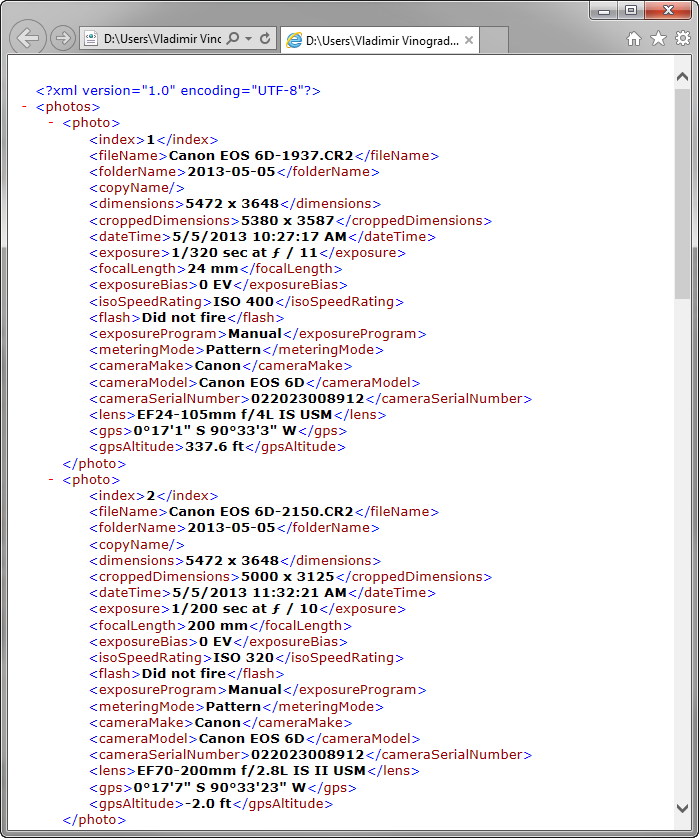
- New simple XML template.
Fixes and Improvements
- Improved the look-and-feel of HTML reports, added support for CSS themes.
- Export Dialog - long path string no longer push the Choose button out of the window area.
- Export Dialog - the Choose Folder dialog now opens at the currently selected path.
- Fixed the exception when generating HTML reports containing offline photos.
- Fixed the issue with generating HTML output when there are video files selected.
- Other minor improvements and fixes.
|
|---|
2.6.3Apr 6, 2013 |
- Improved error handling - fixed the issue with some error messages appearing twice.
- The plugin no longer throws a "Permission Error" message when the previously generated output file is still open.
- Improved handling of empty metadata fields in output templates.
|
|---|
2.6.2Feb 12, 2013 |
- Fixed the issue with using the "XML Worksheet" output option.
|
|---|
2.6.1Nov 23, 2012 |
- Fixed the issue with generating thumbnail images for HTML output.
|
|---|
2.6Nov 18, 2012 |
- Fixed the "We can only wait from within a task" error when accessing the Extras dialog (Library > Plug-in Extras).
- Fixed issues with templates using the "grouping by keyword" feature.
- Fixed the issue with grouping in some cases.
- Output templates are now grouped into two folders - one for export operations and another for selection based operations.
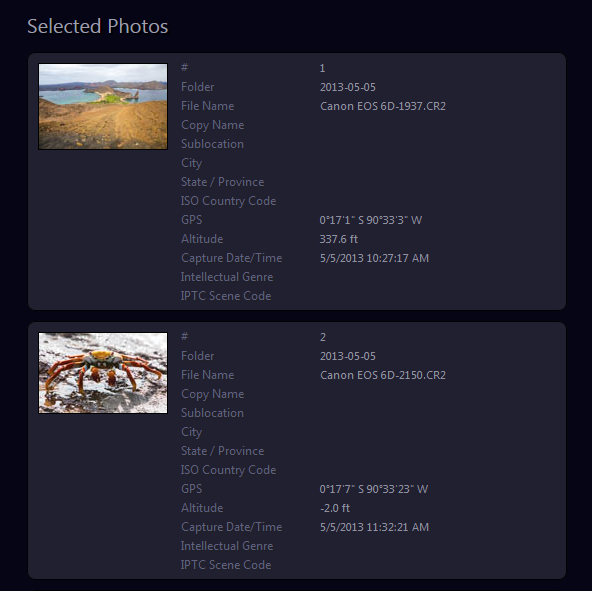
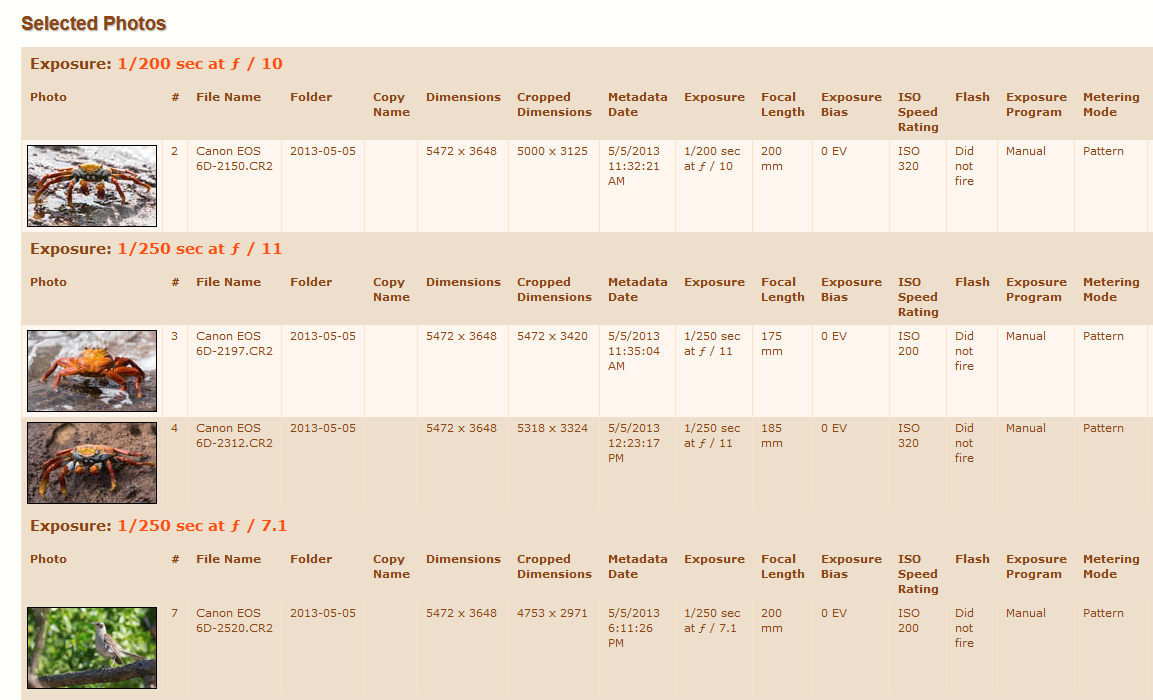
- Inventory Selected Photos: Added lots of output templates.
- Inventory Selected Photos: Eliminated the unnecessary dialog.
- Inventory Selected Photos: Improved the layout and functionality.
- Windows OS: Fixed the issue with installing the plugin when the username contains accented characters.
- Windows OS: Fixed the issue with installing the plugin under a non-admin user account.
|
|---|
2.5Sep 20, 2012 |
- Fixed: creating thumbnails for HTML output sometimes fails.
- Fixed: generating output files sometimes would fail due to an undefin
- Fixed: TIFF compression method does not appear in the output.
- Export Dialog: "Export with Previous" now works correctly.
- Export Dialog: The Output Format option now has a default value.
NOTE: Please note, the extension name of the plugin's folder has been changed from .lrdevplugin to .lrplugin. If you are updating an older version of the plug-in you have two options:
- Remove the ExportList.lrdevplugin folder, then install the update using the new installation packages.
- Apply the auto-update. When you restart Lightroom you will be reminded to remove the .lrdevplugin folder and add the new .lrplugin folder (created by the auto-updater next to the old folder) using Lightroom Plugin Manager.
I apologize for the hassle, but this is necessary to keep things consistent and in line with Adobe's recommendations.
|
|---|
2.4Jun 10, 2012 |
- Extras Dialog: "Save output file to" option now points to "Documents" by default.
- Extras Dialog: The "Generate output text in-place" option is now disabled when the number of photos in selection exceed 200. At this volume the output needs to be set to an external application or saved to a disk file.
- Extras Dialog: Implemented a progress indicator to provode a feedback on generating the output file.
|
|---|
2.3May 13, 2012 |
- Fixed the "attempt to call global 'expand' (a nil value)" error.
- The plug-in is now compatible with Lightroom 4.
|
|---|
2.2Mar 4, 2012 |
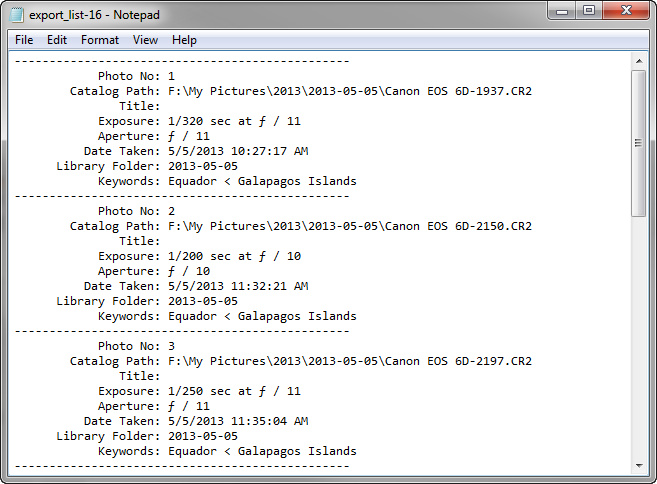
- Added the ability to generate lists of selected photos, without performing an export.
- Added the ability to create custom templates in a separate folder, so they wouldn't be destroyed when installing plug-in updates.
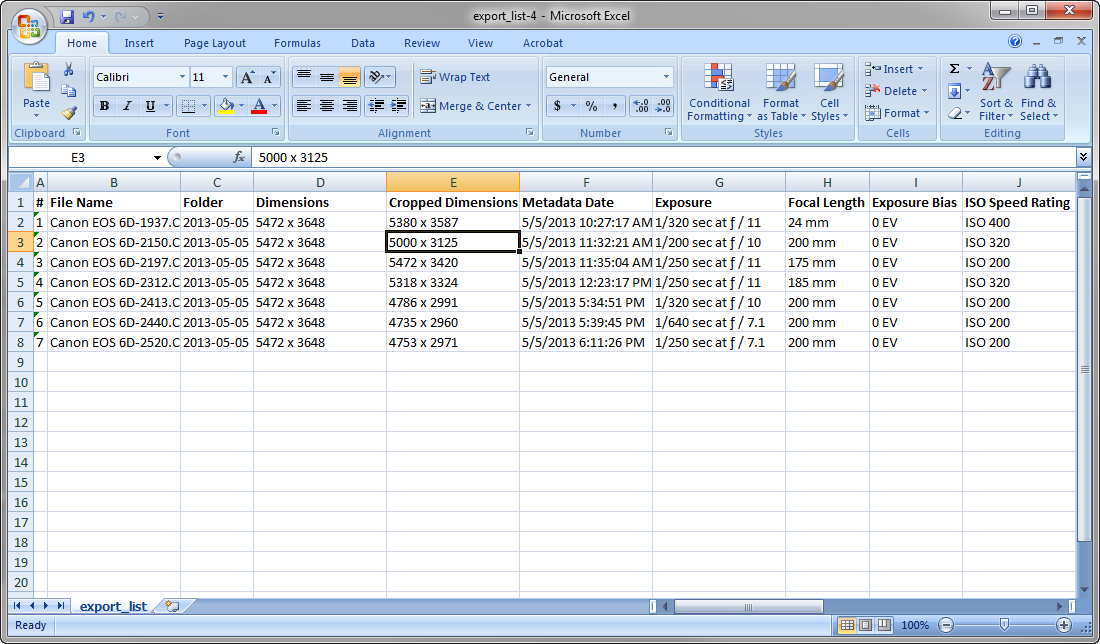
- Added XML Spreadsheet template (MS Excel 2003 and above) supporting Unicode characters.
- Added the ability to embed photo thumbnails into generated HTML documents. All HTML templates have been expanded to include photo thumbnails.
- Fixed the "attempt to index field 'outputMethods'" error when using the "Export with Previous" action.
- Fixed a formatting issue in the 'Plain Text' template.
Note: Version 2.1 has been skipped.
|
|---|
2.0Sep 10, 2011 | Plug-in has been re-released as Shareware.
Changes and Fixes:
- Added support for grouping of output list by keywords or other metadata fields of exported photos
- Added new text and HTML templates for listing photos grouped by keywords
- Drop-down menu items are now sorted alphabetically
- Now the plug-in can automatically update itself
|
|---|
1.5Apr 9, 2011 |
- Fixed the "Selected options are incomplete" error when exporting photos using presets
- Added a new placeholder for the exported file name
- Added placeholders for File Settings, Image Sizing, and Sharpening Settings summaries
- The output file now can be saved to a folder of your choice
- Added the ability to submit the debug log directly from the plug-in
|
|---|
1.4Sep 26, 2010 |
- Added support for new metadata fields introduced in Lightroom 3.
- On Mac OS, Apple Mail now can be used to compose e-mail with the export list attached.
- Added the ability to submit the debug log directly from the plug-in.
|
|---|
1.3Mar 14, 2010 |
- Now the plug-in generates output even if the template contains misspelled metadata field names.
- The option names in drop-down lists are no longer truncated.
- Added the option for automatic checking for plug-in updates.
|
|---|
20100126.2Jan 26, 2010 | The plug-in is now compatible with Lightroom 3 Beta. |
|---|
20090925.1Sep 9, 2009 | The initial release.
- The user can choose to generate the list in HTML (tabular or itemized format), Plain Text, or CSV formats.
- Generated file can be opened in the default application for the selected format, or in Mozilla Thunderbird as an attachment.
- Provides options for opening the generated file in the default application for the selected format, or in Mozilla Thunderbird as an attachment.
- Metadata fields included in the output can be controlled via the template.
|
|---|